

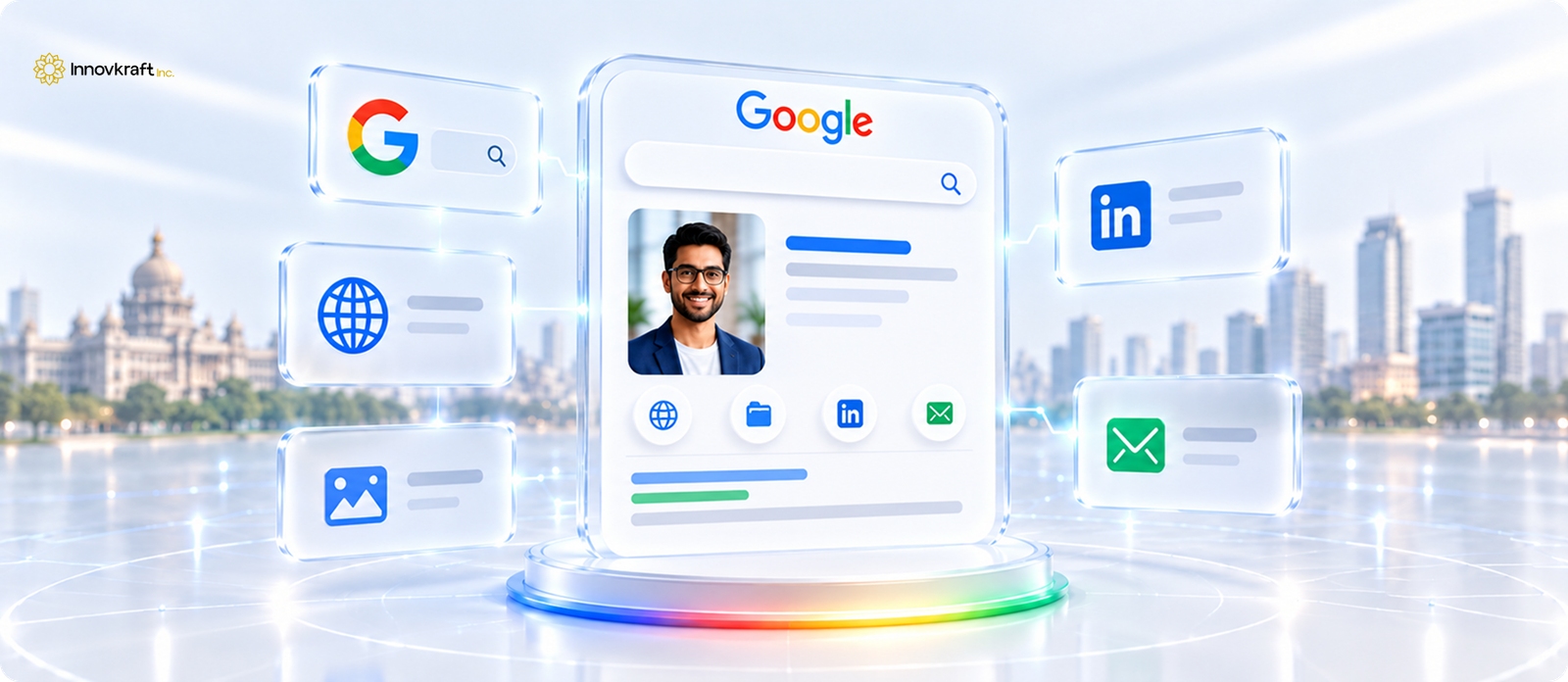
What is a Google Search Profile (People Card)?
Why Google Search Profiles Are a Game-Changer in India
Prerequisites Before Getting Started
Step-by-Step Guide: How to Create Your Google Search Profile
Editability & Maintenance: Keeping Your Search Profile Updated
Strategies to Boost Your Online Visibility Using Your Profile
Have you ever searched for your own name on Google, only to find zero relevant results, random strangers with the same name, or outdated links from years ago? It is one of the main challenges many businesses are facing.
Whether you’re a freelancer trying to land clients, a job seeker pitching to recruiters, an entrepreneur building a personal brand, or a consultant establishing authority, not showing up on Google means missing out on crucial opportunities.
When someone googles you after a meeting or a networking event, what they see forms their first, and often final, impression.
Fortunately, Google launched a feature tailor-made for this exact challenge: Google Search Profiles (commonly known as Google People Cards). Designed specifically with India’s professional ecosystem in mind, this feature allows you to create your very own virtual business card right on Google Search.
Let’s break down what a Google Search Profile is, why it matters, step-by-step instructions on how to build one, tips on maintaining editability, and proven strategies.
Think of a Google Search Profile as your personal, digital business card hosted directly on Google’s main search page. When someone types your full name into Google Search, a stylized “card” appears at the top of the results displaying your:
It gives you direct control over what people see first when they look you up online, bypassing the clutter of mixed search results.

India was the first country where Google introduced People Cards, catering to millions of aspiring individuals who needed a simple, mobile-first solution to stand out online.
Here is why creating one should be at the top of your to-do list:
To set up your profile smoothly, make sure you have:
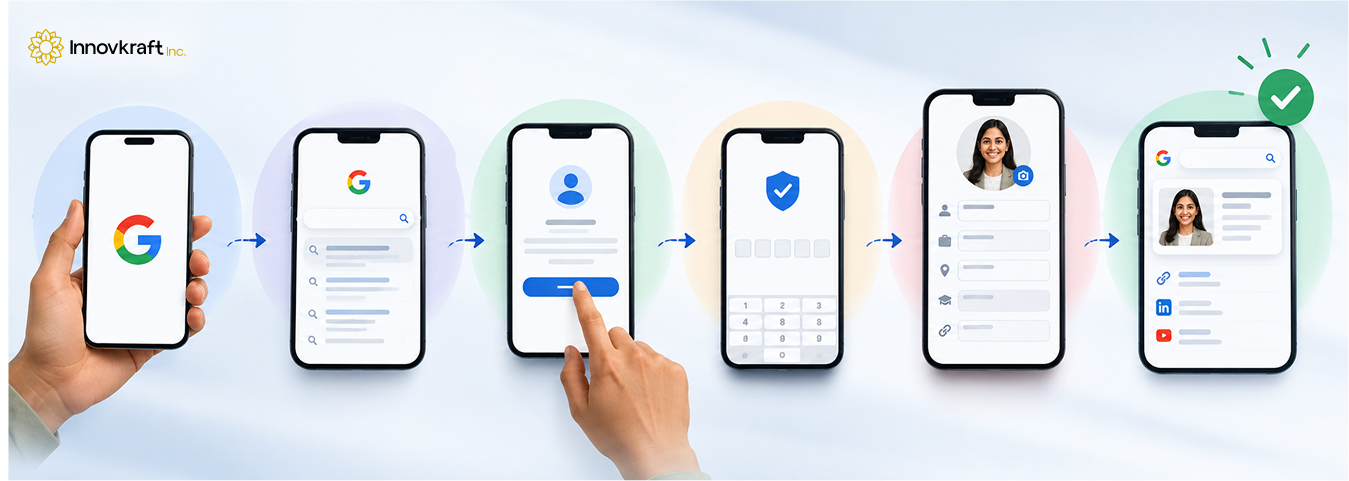
Setting up your Google People Card takes less than 10 minutes. Here is how to do it step by step:
Open your preferred browser (like Chrome or Safari) on your smartphone or log into the Google Search App. Make sure you are signed into the Gmail account you want to associate with your profile.
In the search bar, type one of these exact phrases:
At the top of the search results, you will see a banner that says “Add yourself to Google Search.” Tap the Get Started button.
Google will prompt you to verify your phone number via an SMS code. This step prevents spam and guarantees that individuals build cards only for themselves.
Now comes the fun part! Fill in the fields provided:
Pro Tip: Keep your “About” section punchy, professional, and keyword-rich. State clearly who you are, what you do, and how you help people.
Review your information carefully to check for typos or formatting issues. Once you are satisfied with how your card looks, tap Save or Submit. Your profile will go live shortly!
Creating your Google Search Profile is only half the journey. As your career evolves, your profile must evolve with it. The beauty of People Cards lies in their easy editability and total user control.
Updating your card takes just seconds:
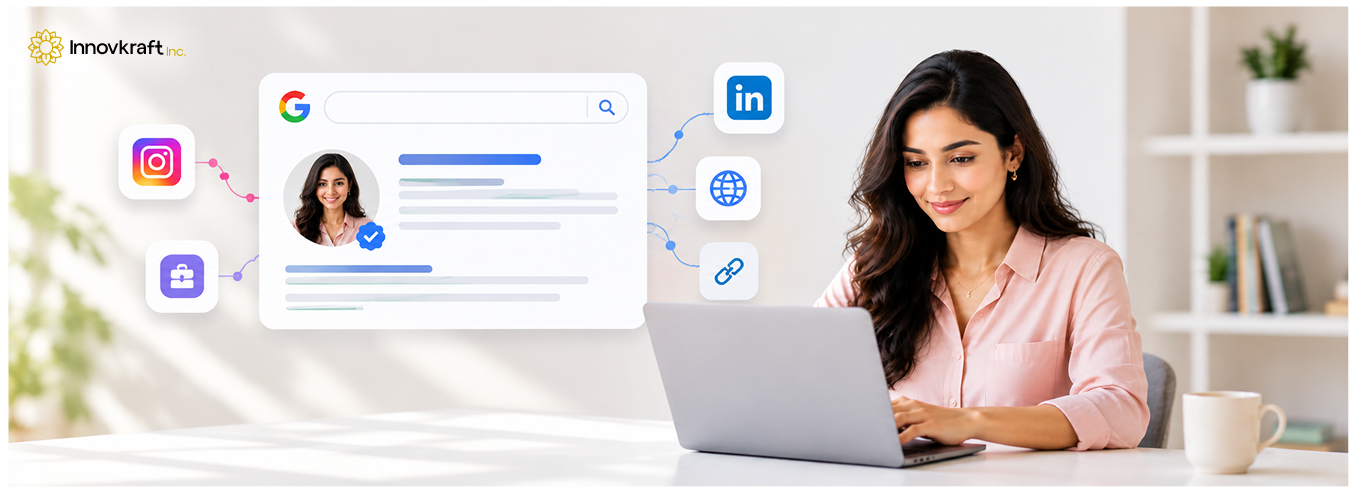
Having a People Card is a great start, but how do you maximize its visibility and impact? Here are strategic tips to ensure your card works hard for your personal brand:
Include terms naturally associated with your profession in your bio and occupation fields. For example, instead of just writing “Writer,” use “Content Strategist & Tech Writer in Bengaluru.” This helps Google associate your name with relevant searches in your domain.
Ensure your profile photo, job title, and bio align with your LinkedIn, Twitter, and professional website. Consistency reinforces brand recognition and authority.
Include direct links to your active social handles, portfolio, or company website. High-quality external links help validate your profile to search algorithms and drive traffic directly to your primary channels.
Did you recently speak at a major conference, launch a new venture, or win an industry award? Refresh your “About” section. Fresh content signals to both Google and readers that you are active and relevant.
To prevent your card from being flagged or hidden by Google, stay clear of these mistakes:
Your personal brand is one of your most valuable professional assets. Leaving what people see on Google to chance means handing control of your narrative over to random algorithms. By creating and optimizing your Google Search Profile, you take charge of your digital identity, showcase your achievements, and make it effortless for opportunities to find you.
Navigating personal branding, Search Engine Optimization (SEO), and digital visibility can feel overwhelming. At Innovkraft, we help professionals, entrepreneurs, and businesses stand out online with tailored digital marketing, SEO strategies, and brand-building solutions.
Contact us today to enhance your online presence and turn your Google visibility into real-world success!
Yes! Google Search Profiles (People Cards) are completely free to create and maintain for anyone with a valid Google account and verified phone number in supported regions like India.
Google People Cards are primarily designed for mobile platforms. To create or edit your card, search for add me to search using a mobile browser or the Google Search app on Android or iOS.
In most cases, your card goes live almost immediately after submission. However, in certain instances, it may take up to a few hours for Google to process and index the updates across search nodes.
No. Google strictly limits users to one Search Profile per personal Google Account and verified phone number to prevent spam and duplicate profiles.
If your card isn’t appearing, ensure: